Welcome Podcast Guest!
- ✅What To Expect
- ✅Get Your Tech Ready
- ✅Test Your Setup
- ✅Sign The Release Form
- ✅Connect To The Show!
1) What to Expect
✅ Video & audio recording (you’ll be on camera!)
✅ We record remotely using VDO Ninja (like Zoom)
✅ It’s a clean show – no swearing, please!
✅ We’ll start with a bit of banter before bringing you in
💡 Tip: We *strongly recommend* joining from a computer with Chrome.
2) Get Your Tech Ready
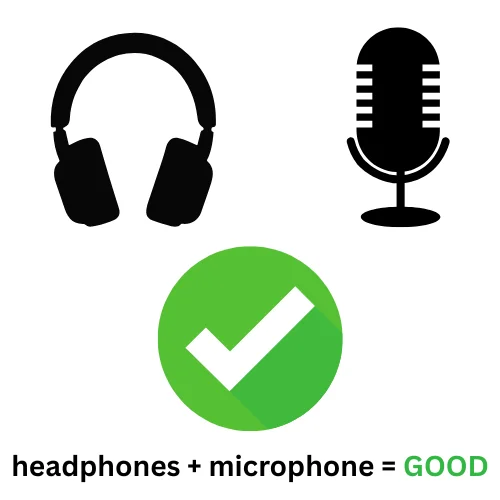
✅ 🎧 Use headphones (no exceptions please)
✅ 🎙️ Use the best mic you have (avoid built-ins if possible)
✅ 🤫 Find a quiet, well-lit space with a tidy background
✅ 🎦 Elevate the camera (notebook PC) so that it is head height
✅ 🛜 Ensure a fast, reliable internet connection (ethernet is best)
🔗 *You’ll find the link to join your episode at the bottom of this page.*
3) Test Your Setup
3a) Check Your System
Click the button below to open VDO Ninja and make sure:
- Your camera and mic are working
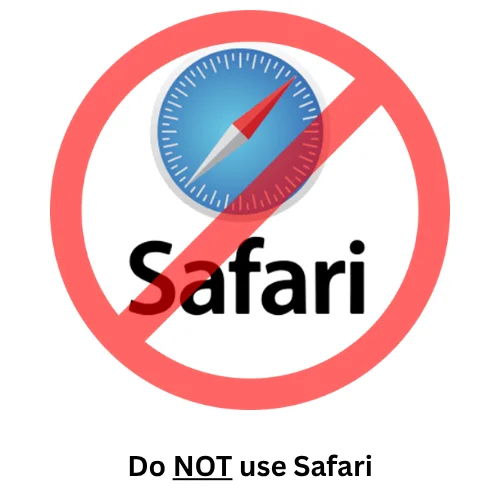
- You’re using Chrome (not Safari!)
- Your lighting and sound are good
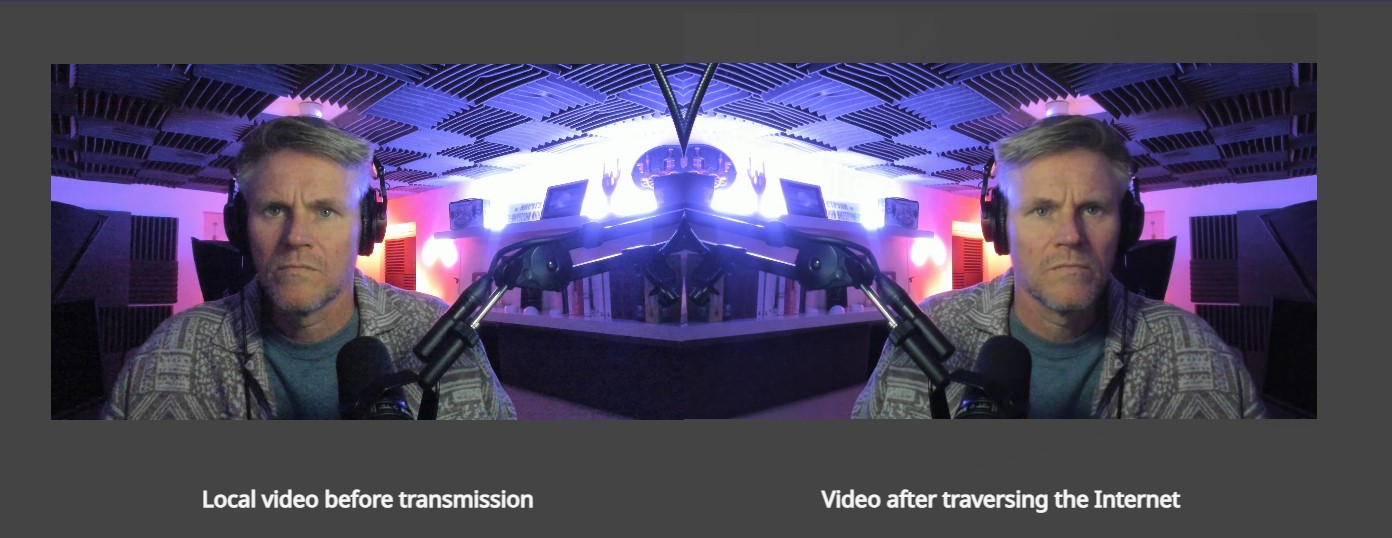
This is what the test looks like on your computer. ⬇️
3b) Choose Your Browser
Whether on Mac or PC, please use Chrome browser. Other browsers (like Safari) can cause serious problems.
3c) Got Headphones?
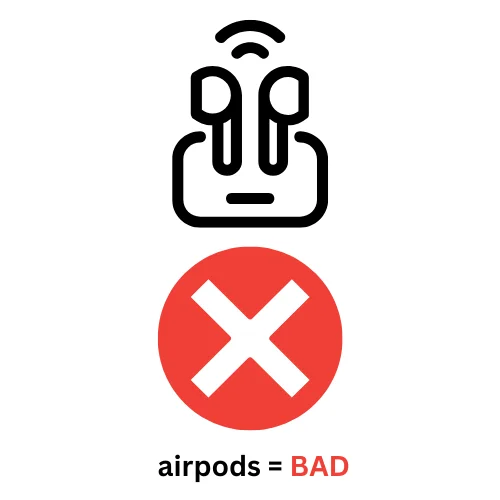
Bluetooth KILLS podcasts!
In terms of headphones, use something wired and stable whenever possible!
3d) Streamline Your System
- Do full reboot/restart of your Mac or PC (clears cache).
- Close all other open tabs on your browser.
- Close all other programs running in the background.
- Plug your device into a power source (no battery).
- Close any apps using internet: Slack, WhatsApp, Email, etc.
- Ask others not to stream or use internet bandwith on their devices while you’re recording.